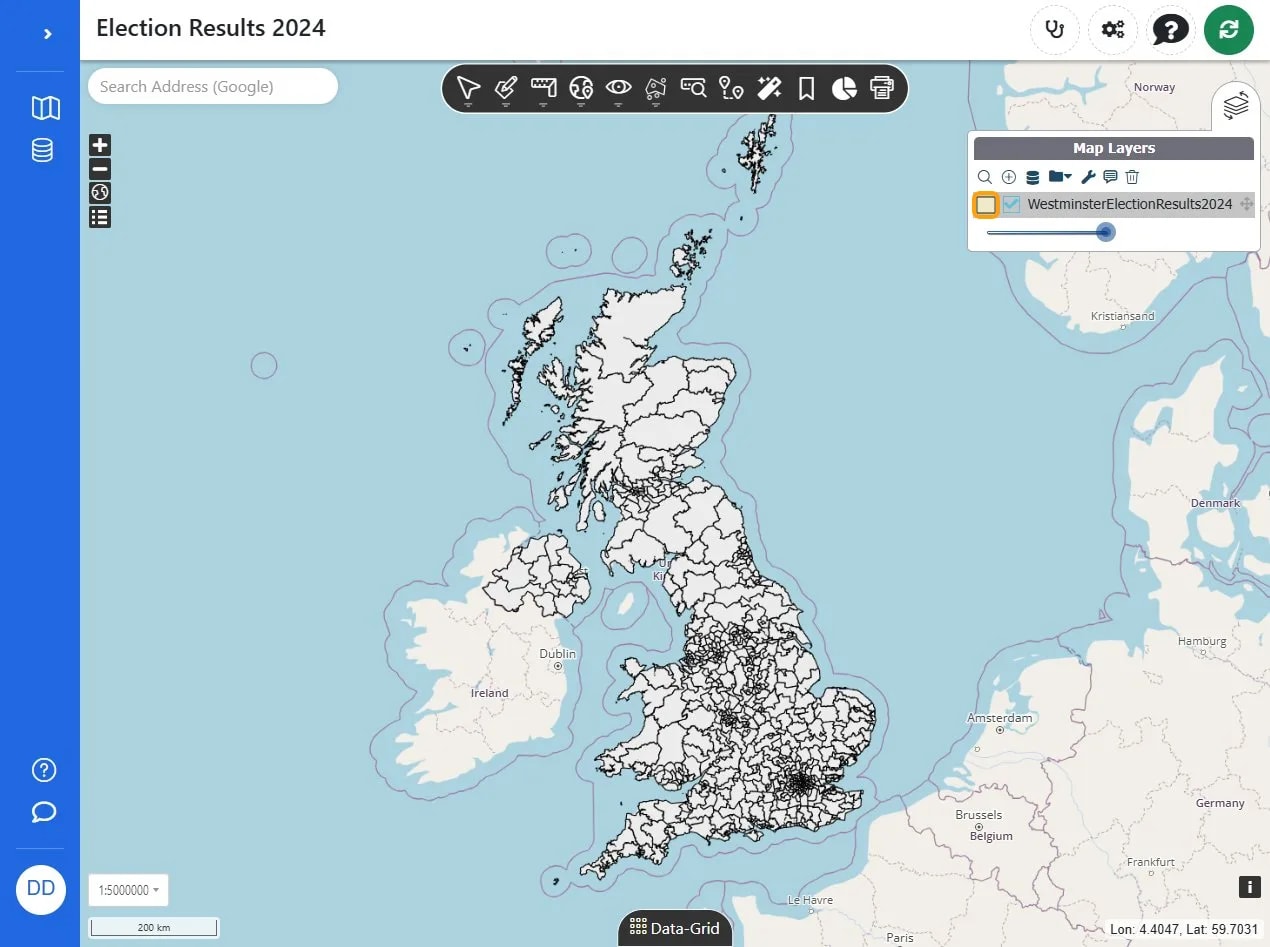
Click on the WestminsterElectionResults2024 layer to interact with the election results data.
Click the 'Select a style' dropdown to choose a style for the map.
Click on the 'electionmapstyleai' option in the style list to apply this map style.
Click the 'Use AI' button to initiate the AI styling feature.
Click the 'Ask for a style draft' field to request a style draft for the selected map layer.
Click the 'Data hints' field to access data-related styling options for the map layer.
Click the Send button to apply the style rule draft.
Click the 'Apply draft' button to apply the style changes.
Click Save.
Click Close control.