AI features can understand the map’s structure, including its layers, column names, and data types, but no row data or geometry is provided by default. Map authors can optionally allow limited summaries from specific columns through Attribute config > AI Hints
Alert## EU-hosted AI with controlled data access
AI features use open-weight models hosted within the EU on ISO 27001-certified infrastructure.
AI access is deliberately limited: by default, tools receive map structure only. Attribute data is available only where a map author explicitly enables AI Hints.
1
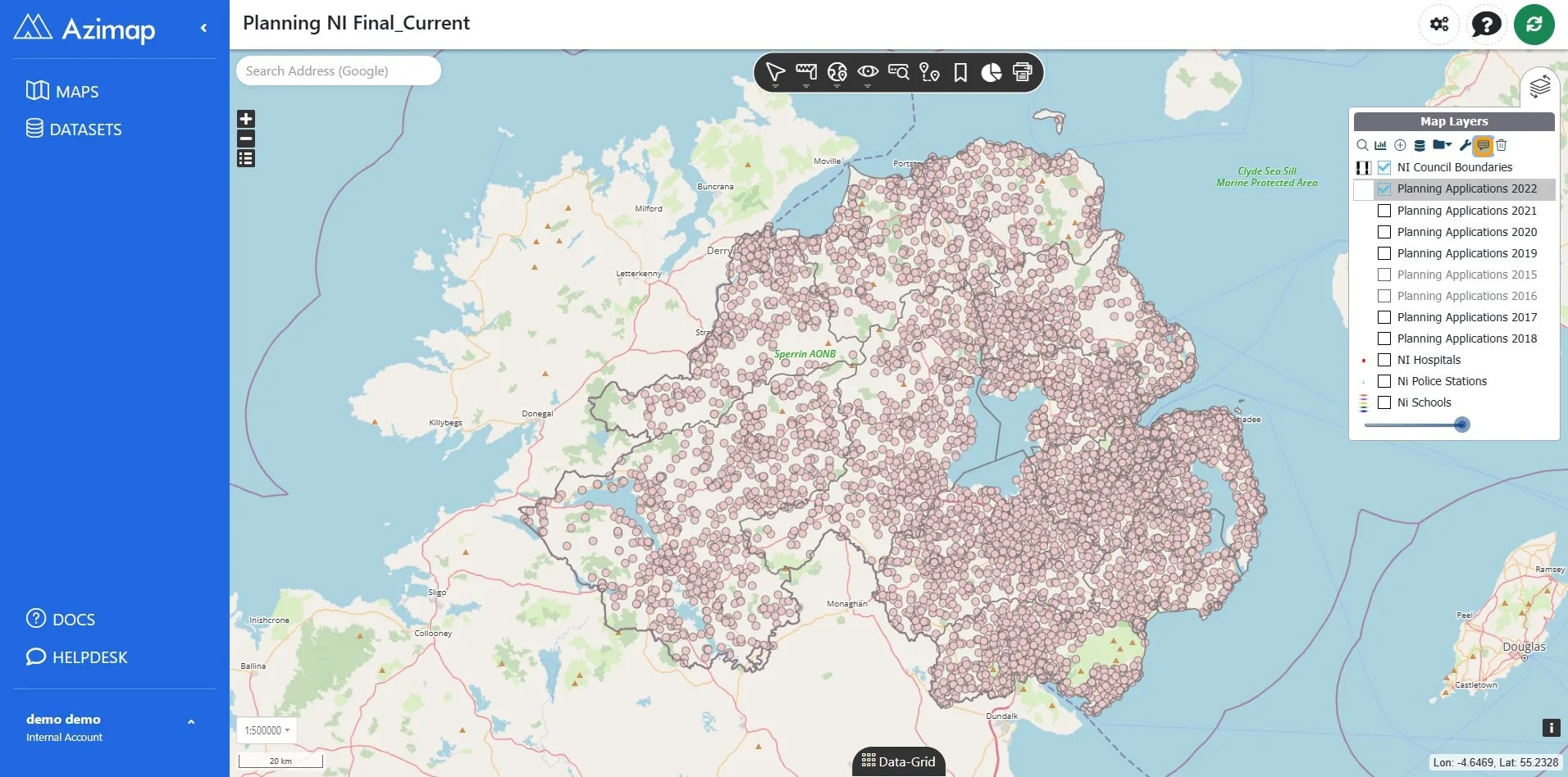
Click Adjust Layer data config.
AlertWhat AI can see by default
When an AI tool is used, it may receive the map structure, including available layers, column names, and column types. Attribute values, table rows, and geometry are not included by default.
2
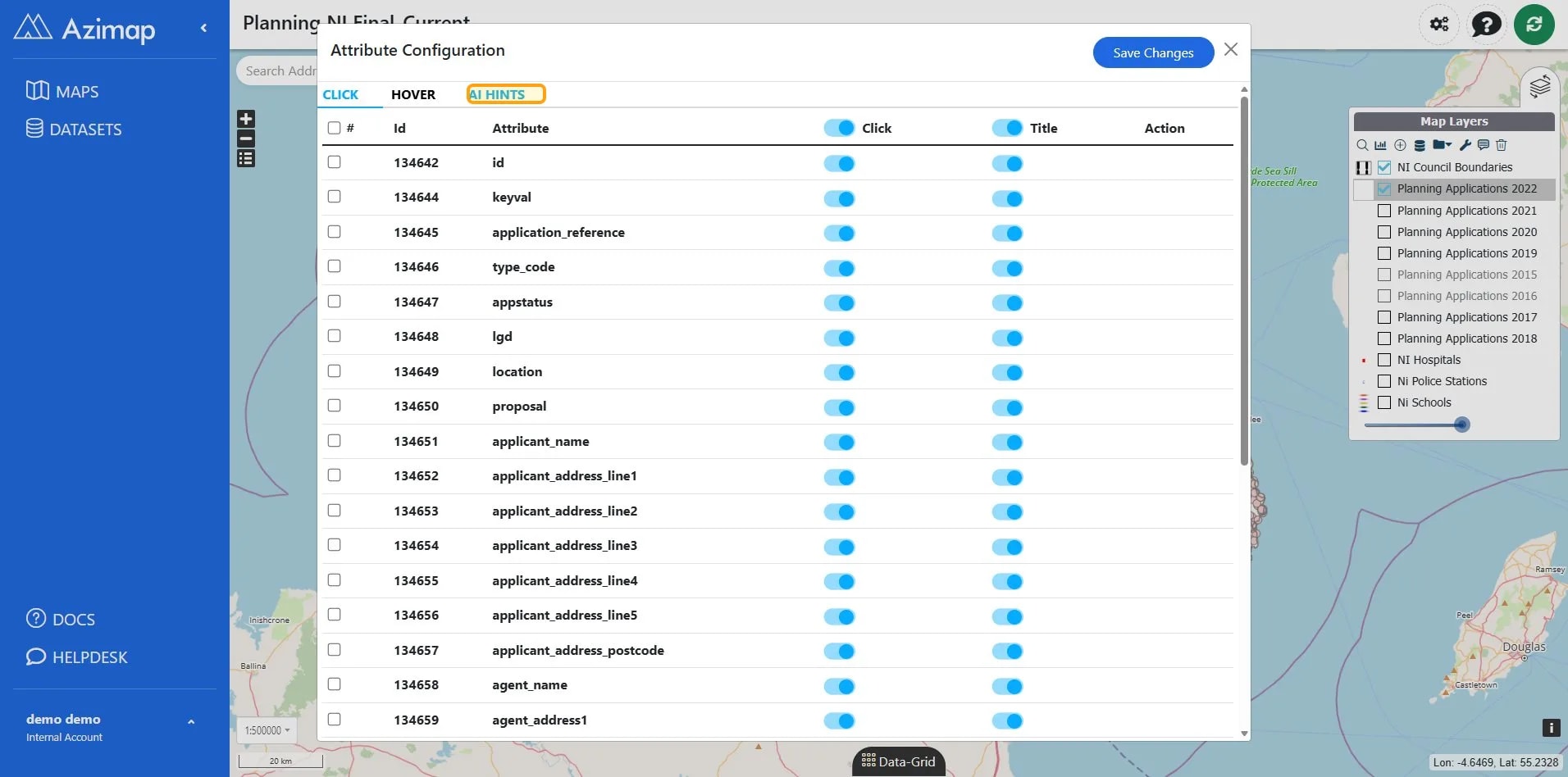
Click the 'AI HINTS' button to show controls for sharing summary data with AI tools..
TipWhat AI Hints can share
A map author can explicitly approve individual columns. For approved text columns, up to 50 unique values may be provided. For numeric columns, only summary values such as minimum and maximum/ range are provided. Full rows and geometry are never sent.
AlertNo approved columns = no attribute data
if no columns are enabled in AI Hints, the AI receives the map structure only, not the underlying attribute data.
3
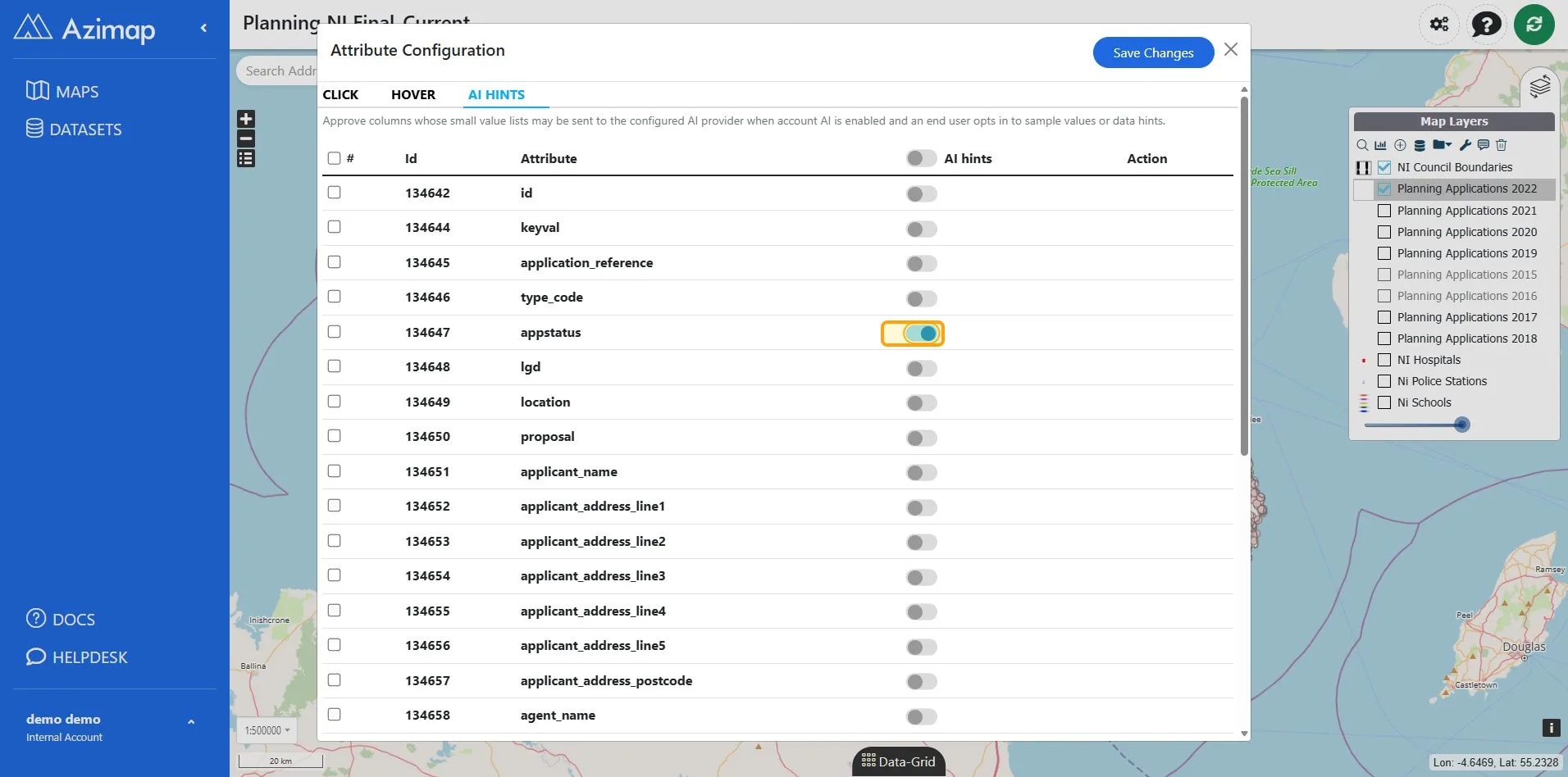
Check the values you want to share.
TipOnly approve what is useful
Enable AI Hints only for the columns needed to support the AI feature. Columns that remain disabled do not provide values or summaries.
4
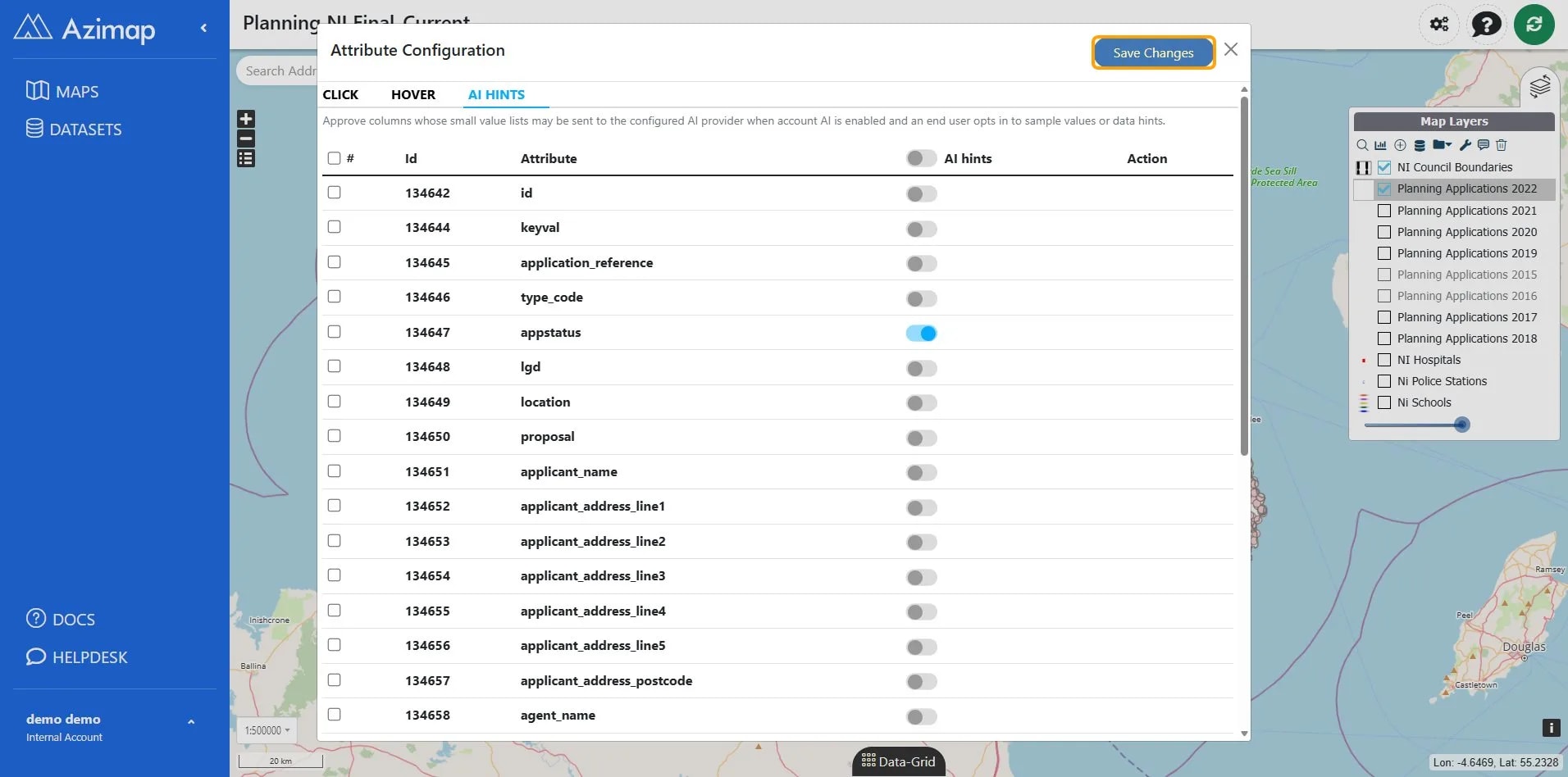
Click Save Changes.
AlertAI does not directly control the application
The AI returns structured JSON only. The application parses and validates that response before running any corresponding application logic.
AI proposes; the application decides. The AI itself does not directly run code or perform actions.