Written by:
Naimh
Last updated: 11/08/2026 14:41:21

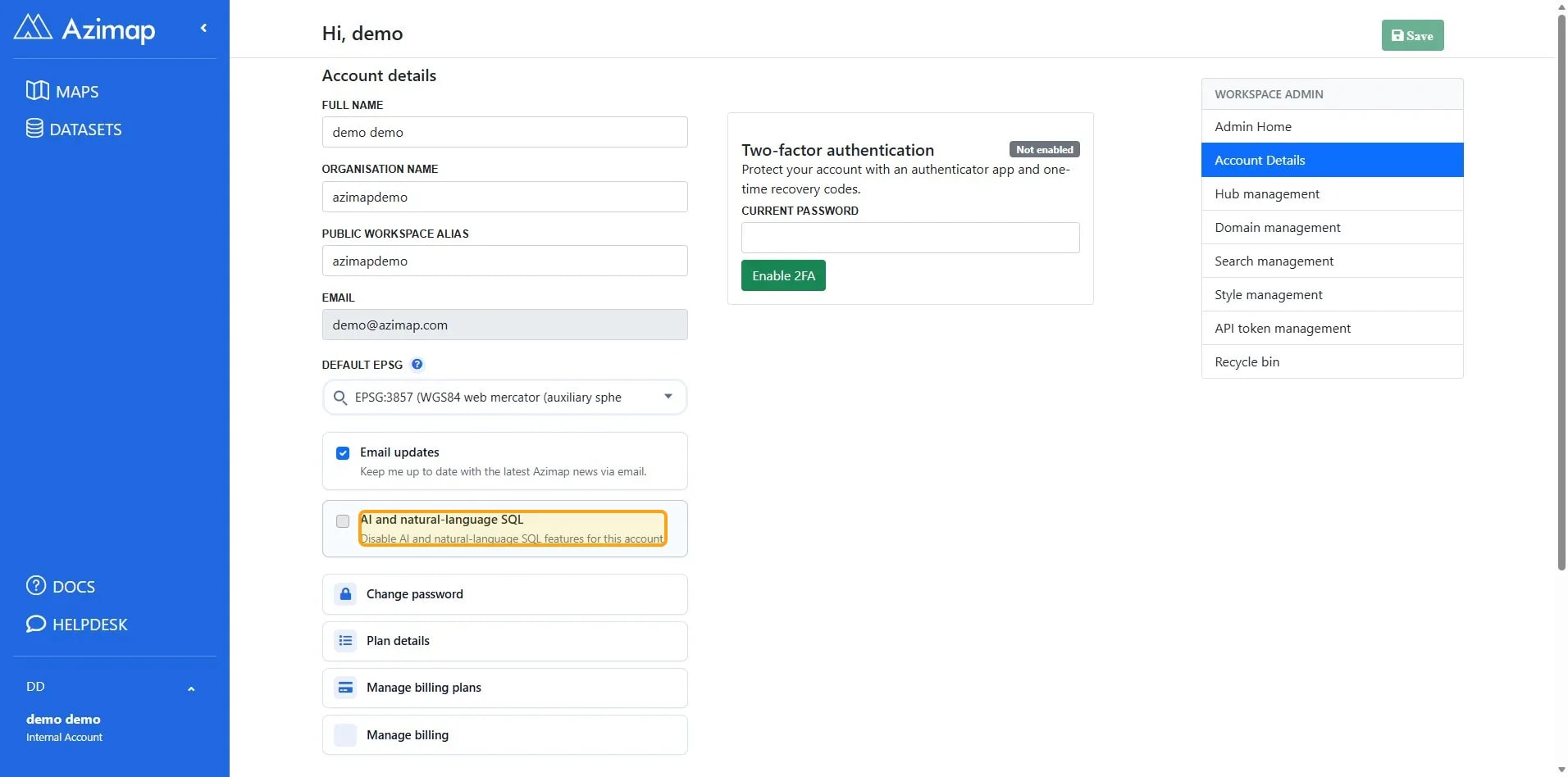
When enabled, this setting turns off all AI-powered features for this account, including natural-language SQL.

1

Click Account section.

Account on Dashboard | Azimap
2

Click Account details.

Account details on Dashboard | Azimap
3

Click AI and natural-language SQL Disable AI and natural-language SQL features for this account..

AI and natural-language SQL Disable AI and natural-language SQL features for this account. on Account Details | Azimap
4

Click the Save button to apply changes to your account settings.

Green button labeled 'Save' in top right corner of the page
Alert

This will remove all AI functionality and tools from the account.